Circular saw cutting speed is controlled by blade RPM, blade diameter, tooth count, material, and how quickly you feed the saw. For a typical U.S. handheld circular saw, do not try to increase motor RPM beyond the manufacturer’s specification. Instead, use the correct blade and maintain a steady feed that lets the teeth cut without forcing the tool.
On U.S. jobsites and in American home workshops, the term circular saw cutting speed can mean several different things. A saw may be advertised by its motor RPM, while technical blade information may refer to peripheral cutting speed, and the operator controls feed speed by moving the saw through the workpiece. These measurements are related, but they are not interchangeable.
For most handheld woodworking jobs, the practical goal is not to find the highest possible RPM. The goal is to match the saw, blade, material, and feed rate so the blade cuts cleanly without excessive heat, vibration, binding, or motor strain. A sharp blade running at its specified speed with a controlled feed is generally more useful than simply trying to push the saw faster.
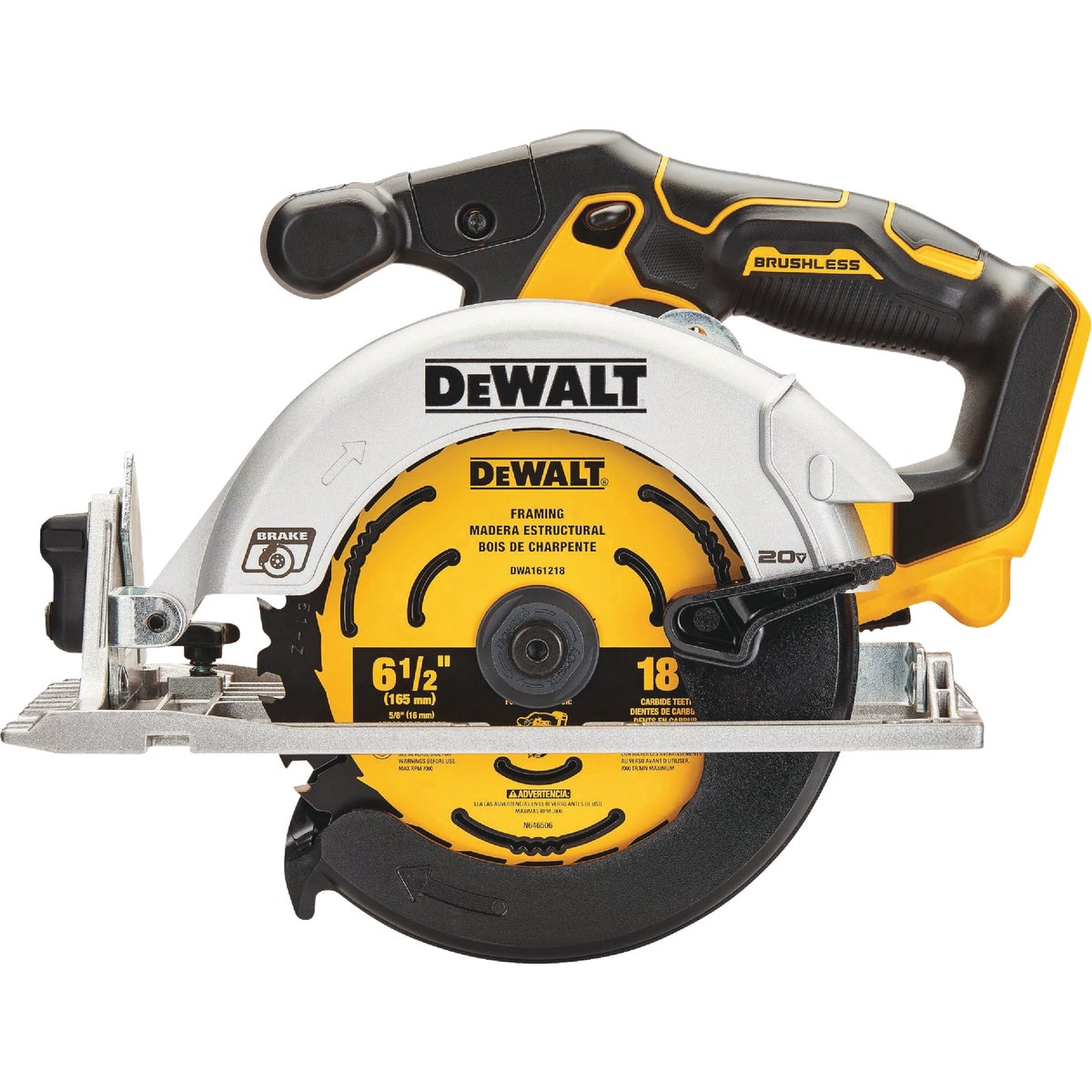
Source: bosch-pt.com.au
What Does Circular Saw Cutting Speed Mean?
Circular saw cutting speed describes how quickly the cutting edge of the blade moves through the material. In practical use, three related measurements matter: blade RPM, peripheral or rim speed, and feed rate.
Blade RPM means revolutions per minute. It tells you how many complete rotations the blade makes in one minute. Many handheld circular saws operate somewhere around the 4,000 to 6,000 RPM range, but the correct figure depends on the specific saw and operating condition. A saw’s published no-load speed should never be treated as permission to use a blade with a lower maximum RPM.
Peripheral speed is different. It describes how quickly a point on the outer edge of the blade travels. Because the circumference becomes larger as blade diameter increases, two blades rotating at the same RPM can have very different peripheral speeds.
Feed rate is the speed at which the saw moves through the material. With a handheld circular saw, feed rate is usually controlled by the operator rather than a machine feed mechanism. The correct feed depends on the material, blade tooth geometry, depth of cut, blade condition, and available motor power.
Source: hemlockhardware.com
RPM
How many times the blade rotates each minute.
Peripheral speed
How quickly the outer edge of the blade travels through space.
Feed rate
How quickly the saw moves forward through the workpiece.
Tooth load
How much material an individual tooth removes as the blade and workpiece move relative to each other.
Why RPM Alone Does Not Tell You Cutting Speed
Consider two blades rotating at 5,000 RPM. A smaller blade travels a shorter distance around its circumference during each revolution, while a larger blade travels farther. The larger blade therefore has a higher peripheral speed even though both blades have the same RPM.
This is why blade manufacturers and industrial saw references often specify cutting speed separately from RPM. For a handheld saw, however, the safest starting point remains the speed specified by the saw and blade manufacturers rather than calculating a higher speed yourself.
Smaller diameter
At the same RPM, the blade edge travels a shorter distance per revolution.
Larger diameter
At the same RPM, the blade edge travels a longer distance per revolution and therefore has a higher rim speed.
How to Calculate Circular Saw Blade Cutting Speed
You can calculate peripheral blade speed from the blade diameter and RPM. This is useful for understanding why blade diameter matters, but the calculation should not be used to override the manufacturer’s RPM limit.
For blade diameter measured in inches, peripheral speed in feet per minute can be calculated with this formula: V = π × D × RPM ÷ 12. V is peripheral speed in feet per minute, D is blade diameter in inches, and RPM is the blade speed.
For example, a hypothetical 7.25-inch blade rotating at 5,000 RPM has a calculated rim speed of about 9,490 feet per minute. A hypothetical 6.5-inch blade at the same 5,000 RPM has a rim speed of about 8,508 feet per minute. The difference comes entirely from blade diameter.
The same concept can be expressed in meters per second when working with metric blade specifications. If the diameter is in millimeters, use V = π × D × RPM ÷ 60,000 to calculate peripheral speed in meters per second.
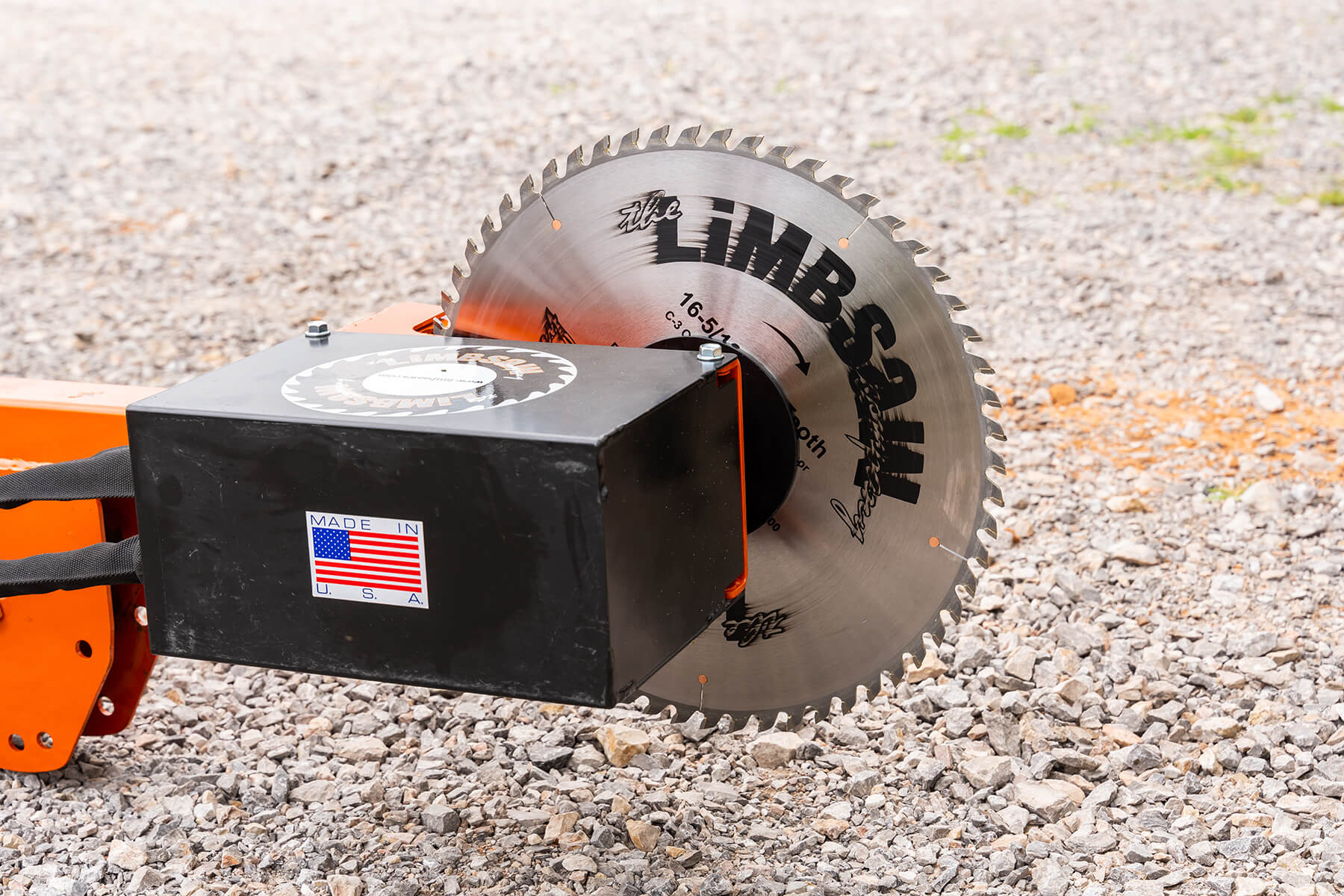
Source: limbsaw.com
7.25-inch blade at 5,000 RPM
Approximately 9,490 feet per minute of peripheral speed under the hypothetical calculation.
6.5-inch blade at 5,000 RPM
Approximately 8,508 feet per minute of peripheral speed under the hypothetical calculation.
Important limitation
These calculations describe rim speed; they do not establish a safe operating speed for a particular blade.
Why Larger Circular Saw Blades Usually Run at Lower RPM
As blade diameter increases, the outer edge travels farther during every revolution. If a large blade were operated at the same RPM as a much smaller blade, its rim speed would increase substantially.
That is why larger stationary saw blades commonly have lower operating RPM ratings than smaller blades. The exact allowable speed depends on blade construction, diameter, tooth design, material, machine type, and the manufacturer’s specifications.
Never calculate a new maximum RPM from diameter alone
The blade’s marked maximum RPM and the saw manufacturer’s requirements take priority over a general mathematical estimate.
Check the blade before installation
Confirm that the blade diameter, arbor, application, and maximum RPM are compatible with the saw.
What Controls Circular Saw Cutting Speed in Real Use?
For a handheld circular saw, cutting performance depends on more than motor RPM. The blade’s tooth count and geometry, the material being cut, depth of cut, blade sharpness, and operator feed rate all change the amount of work each tooth must perform.
A blade with fewer teeth generally removes material aggressively and is commonly used for fast rough framing cuts. A blade with more teeth can produce a cleaner finish but may require a more controlled feed because more teeth are engaged with the material.
Material also changes the appropriate approach. Softwood, hardwood, plywood, OSB, MDF, plastics, aluminum, and steel do not impose the same cutting load on a blade. A blade designed for wood should not automatically be used for metal simply because its diameter and arbor fit the saw.
Cut depth matters as well. A deep cut engages more material and can increase motor load. If the saw begins to slow noticeably under load, forcing it forward is usually the wrong response. Reduce feed pressure, check the blade, and make sure the workpiece is properly supported.
Source: truetrac.com
Blade tooth count
Fewer teeth can favor faster material removal, while more teeth are commonly used when a cleaner cut is required.
Material
Different materials require different blade types and may require different cutting speeds or feed rates.
Blade condition
A dull, damaged, dirty, or improperly selected blade can increase heat and motor load even when RPM is correct.
Depth of cut
Deeper cuts generally place more load on the blade and motor.
Feed rate
The operator controls how quickly the teeth advance through the workpiece on a handheld saw.
How Fast Should You Push a Circular Saw?
There is no single feed speed that works for every circular saw and material. Start with a controlled feed and let the blade establish a steady cutting rhythm. The saw should cut without excessive force, major vibration, repeated binding, or a dramatic drop in motor speed.
If the saw bogs down, back off the feed pressure rather than pushing harder. Check that the blade is sharp, appropriate for the material, correctly installed, and not pinched by the workpiece. If the blade cuts easily but the edge becomes excessively rough or the cut begins to wander, the blade type, tooth count, support, or feed technique may need attention.
Good cutting behavior
The blade maintains its rotation, produces a consistent kerf, and moves through the material without excessive force.
Possible overload
A noticeable loss of blade speed, burning, heavy vibration, or repeated binding can indicate excessive load or an unsuitable setup.
Possible underfeeding
Very slow movement can allow teeth to rub more than necessary, increasing heat and reducing cutting efficiency.
Choosing the Right Cutting Speed for Wood, Plywood, and Other Materials
For common U.S. woodworking tasks, the correct cutting speed starts with the blade manufacturer’s application guidance and the saw’s operating specifications. Do not assume that increasing RPM will automatically produce a faster or cleaner cut.
Softwood and dimensional lumber are often cut with framing blades that have relatively few teeth. Plywood and finished panels may benefit from blades with more teeth when edge quality matters. Hardwood can require more controlled feeding because density and grain structure can increase cutting resistance.
MDF, particleboard, laminates, and other engineered materials can behave differently from solid lumber. Dust production, heat, tooth geometry, and edge quality become more significant. Use a blade specifically intended for the material when the manufacturer provides that option.
Metal cutting requires even more caution. Many metal-cutting circular saw blades have substantially different RPM recommendations from wood blades. A blade intended for ferrous metal or another specific material must be operated according to its own specifications rather than the speed of a typical wood-cutting blade.
Source: harfington.com
Softwood and framing lumber
Use a suitable framing or general-purpose wood blade and maintain a steady feed without forcing the saw.
Hardwood
Use an appropriate sharp blade and expect cutting resistance to vary with species, thickness, grain, and moisture.
Plywood and panels
A higher-tooth-count blade may provide a cleaner edge, while adequate support can reduce splintering.
MDF and particleboard
Choose a blade designed for engineered panels when possible and account for the material’s dust and heat characteristics.
Metal
Use a purpose-designed metal-cutting blade and follow the blade manufacturer’s RPM, material, and operating instructions.
Cutting Speed Versus Cut Quality
A faster feed does not automatically mean a faster job. If pushing harder causes the blade to slow, wander, bind, or produce a poor surface, the apparent increase in feed speed can reduce overall productivity because the cut becomes less controlled.
For finish work, blade selection often matters more than trying to change speed. A clean, sharp blade with the appropriate tooth geometry can reduce the need for sanding or rework.
Fast rough cutting
A lower-tooth-count framing blade can remove material efficiently when surface finish is less important.
Cleaner cutting
A blade with more suitable teeth and geometry can improve edge quality when the material and saw support it.
Circular Saw Cutting Speed Safety Checks
Speed is a safety issue as well as a performance issue. The blade is a rotating component that experiences significant forces, so exceeding its marked maximum RPM can create a serious hazard. Never modify a saw or use an accessory in an attempt to make the blade rotate faster than its specified limit.
Before cutting, verify the blade diameter, arbor size, rotation direction, application, and maximum RPM. The blade must be securely installed, and the saw’s guards must operate correctly. A damaged, cracked, warped, or otherwise questionable blade should not be used.
For U.S. jobsite work, also follow the tool manufacturer’s operating instructions and applicable workplace safety requirements. Keep both hands positioned as instructed for the saw, maintain stable footing, support the material properly, and keep the cutting path clear of anything that could cause the blade to bind.
Kickback can occur when the blade becomes pinched, stalls, or otherwise reacts against the workpiece. Correct workpiece support and controlled feeding are important because an aggressive feed can increase the chance of binding. Never hold a small cutoff piece in a position where it can close the kerf around the blade.
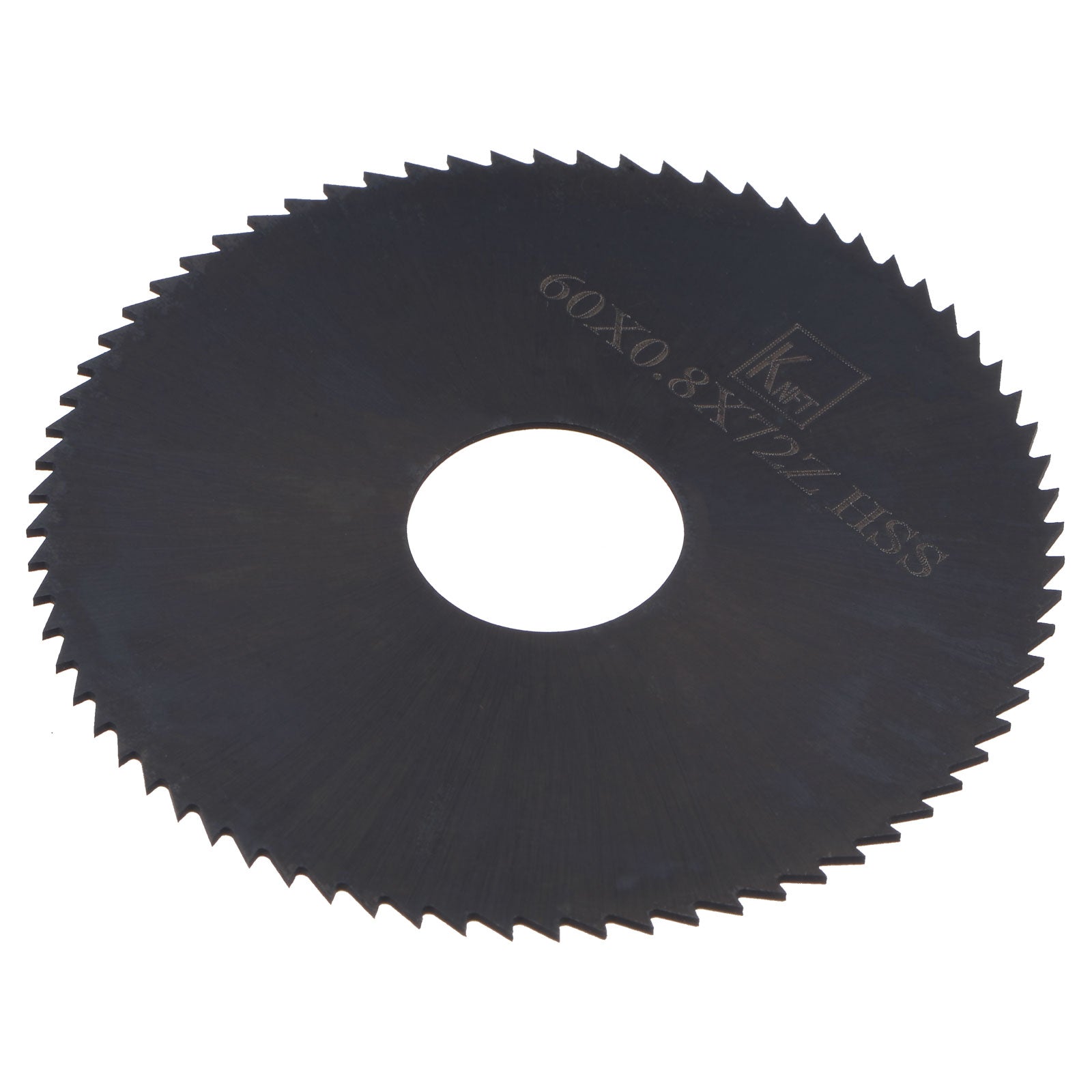
Source: flickr.com
Check the RPM rating
The blade’s maximum RPM must be compatible with the saw. Never exceed the blade’s marked limit.
Inspect the blade
Do not use blades with visible cracks, damaged teeth, excessive warping, or other defects.
Use the correct guard
Make sure the saw’s blade guard operates freely and returns to its protective position as designed.
Support the workpiece
Support stock so the kerf does not close on the blade and create unnecessary binding.
Avoid forcing the cut
If the saw slows dramatically or begins to bind, stop and identify the cause instead of increasing pressure.
Signs That Your Circular Saw Speed or Feed Is Wrong
Burn marks, excessive heat, smoke, repeated binding, heavy vibration, wandering cuts, or a significant motor-speed drop are reasons to stop and inspect the setup. These symptoms do not point to one universal cause, so do not automatically change RPM.
Check the blade type and condition first, then confirm that the blade is installed correctly and that the workpiece is supported. If the blade is appropriate and sharp, adjust the feed pressure. For materials that require specialized blades or speeds, consult the blade manufacturer’s instructions before changing the operating parameters.
Burning wood
Possible contributors include a dull blade, excessive rubbing, an unsuitable blade, poor chip clearance, or feeding conditions that create too much heat.
Saw bogs down
Possible contributors include excessive feed pressure, a deep cut, a dull blade, or material resistance beyond the tool’s capacity.
Stop the saw and inspect the blade, arbor, installation, and tool before continuing.
Frequently Asked Questions
Q
What is a good RPM for a circular saw?
There is no universal RPM that is correct for every circular saw. Many handheld woodworking models operate in roughly the 4,000 to 6,000 RPM range, but the correct speed is the value specified by the saw manufacturer. The blade’s maximum RPM must also be compatible with the saw.
Q
Does a higher RPM make a circular saw cut faster?
Not necessarily. Higher RPM can increase blade-edge speed, but cutting performance also depends on blade diameter, tooth geometry, material, blade sharpness, and feed rate. Increasing speed beyond the manufacturer’s specification is unsafe and should never be used as a shortcut to faster cutting.
Q
How fast should I feed a circular saw through wood?
Use a steady feed that allows the blade to maintain its speed without excessive force. If the motor slows substantially, reduce feed pressure and check the blade and workpiece. If the cut produces excessive heat or rubbing despite a slow feed, inspect the blade selection and condition.
Q
Does blade size affect cutting speed?
Yes. At the same RPM, a larger blade has a higher peripheral speed because its outer edge travels farther during each revolution. Blade size therefore needs to be considered together with RPM and the blade’s maximum rated speed.
Q
What happens if I use a circular saw blade with too high an RPM rating?
A blade with a maximum RPM rating higher than the saw’s operating speed is generally not the problem; the critical requirement is that the saw must not exceed the blade’s maximum rated RPM. The blade must also be the correct size, arbor configuration, and application for the saw.
Q
Why does my circular saw burn the wood even though the RPM is correct?
Correct RPM does not guarantee correct cutting conditions. Burning can result from a dull or dirty blade, unsuitable tooth geometry, excessive rubbing, poor chip clearance, an aggressive cut depth, or feeding conditions that generate too much heat. Inspect the blade and setup before changing speed.
✦ Wrapping Up
Conclusion
Circular saw cutting speed is a combination of blade RPM, peripheral speed, tooth engagement, and feed rate. For most handheld woodworking saws, the operator should not try to increase motor speed beyond the manufacturer’s specification. Instead, choose a compatible blade, keep it sharp, support the material correctly, and use a controlled feed.
When you need to compare cutting speeds, remember that RPM alone can be misleading. Blade diameter changes rim speed, while tooth count and material change how much work each tooth performs. If a saw is slowing, burning material, vibrating, or binding, treat those symptoms as a reason to stop and inspect the setup rather than simply pushing harder.
💡 Key Takeaway
Before your next cut, check the saw’s specified RPM, the blade’s maximum RPM and application, the blade condition, and the workpiece support. Then make the cut with steady pressure and adjust your feed based on how the saw and blade respond.